|
|
The License server main page displays the main information about available modules, their expiration dates, and the number of occupied and free slots for each module.

In the upper-left corner, you can find the unique license ID (key). When you click the button next to the current license ID, you can open the list of other licenses if multiple licenses are added to the License server. The license expiration date (key) is displayed in the upper-right corner.
To log out of the License server main window, click the  button in the upper-right corner of the screen. As a result, the authorization window opens (see Logging in to the License server web interface).
The license key is generated using the identifiers of the current device and is intended for operation with the Axxon One License server/Axxon PSIM. To upload a license, do the following:
 button.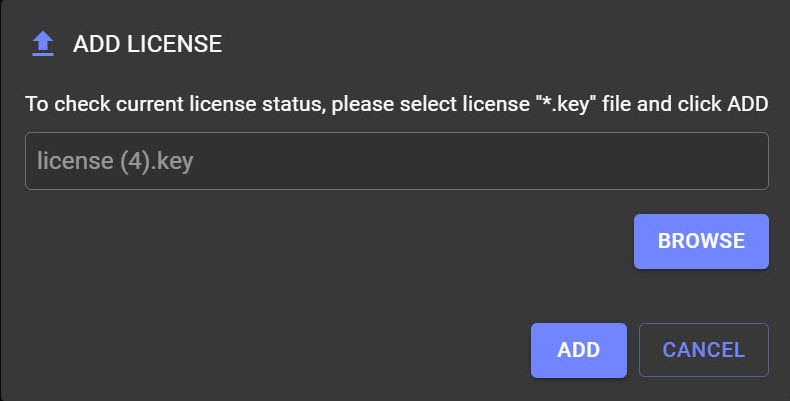
As a result, all modules of the selected license are displayed on the main page.
From the License server web interface, you can download the .zip archive that includes:
To download the archive, click the DOWNLOAD LICENSE  button.