Add Prometheus as a data source in Grafana:
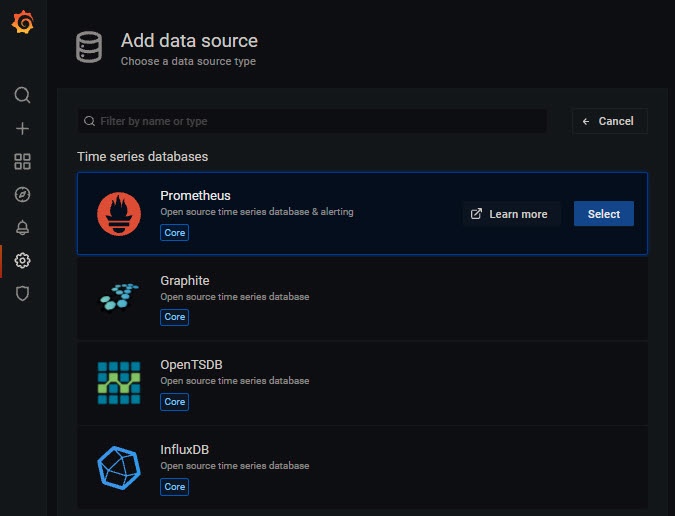
In Grafana, select the Configuration tab → Data sources and click the Add data source button.

- Select Prometheus and click the Select button.
Specify the URL address and Prometheus port.
Click the Save & test
 button. The default is port 20040.
When Prometheus is successfully added to Grafana, the following window will be displayed:
Configure the display of dashboards in Grafana.
To get informative charts with the right frequency and with the right time intervals on dashboards, use Querying Prometheus. |
In Grafana, select the Create tab → Dashboard and click the
 button.
Configure the dashboards to display the necessary information (see official documentation).