Register or sign in to Axxon Datacenter (see Registration, authorization, password recovery and change).
 button in the upper right corner.
 button.
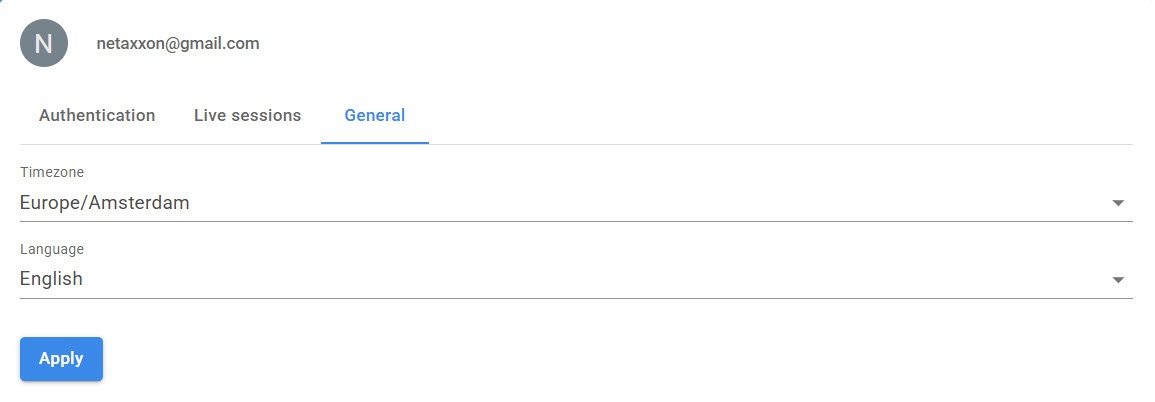
If necessary, change the time zone by selecting the required value from the Timezone drop-down list.
From the Language drop-down list, select the interface language.
Click the Apply button.