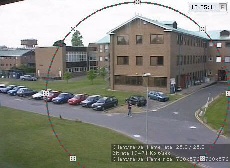
 and move the mouse pointer.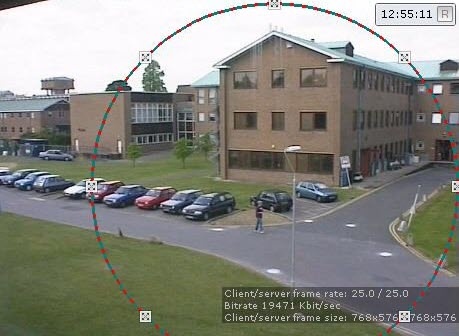
If you use a fisheye camera or video camera with a panomorph lens, do the following:
| Parameter | Value | Description | |
| Panomorph view | |||
| Activate | Yes | By default, panomorph view is disabled. To enable it, select the yes value | |
| No | |||
| Camera position | Wall | Select camera position
| |
| Ceiling | |||
| Floor | |||
| Lens type | Common fisheye-lens | If it is a fisheye camera, select the Common fisheye-lens lens type
| |
| Double sphere fisheye-lens | When using wide angle dual lens XingYun devices, select the Double sphere fisheye-lens type. | ||
| A0**V | If it is a video camera with a panomorph lens, select the corresponding type. In this case, you must perform the calibration of the video image. To do this, select the yes value. | ||
| A1UST | |||
| A8TRT | |||
| B0QQV | |||
| B4QQV | |||
| B5SST | |||
| B6SST | |||
| B72YV | |||
| B8QQT | |||
| B9VVT | |||
| C1ZZV | |||
| C2TTV | |||
| C322V | |||
| C4VVV | |||
| C7SST | |||
| C8WWT | |||
| C9VVT | |||
| D1SST | |||
| D2WWV | |||
| D4SST | |||
| D9SSV | |||
| E3VVV | |||
| View type | PTZ | If you use a camera with an Immervision lens, select the appropriate display mode (4): 360о panorama with virtual PTZ (PTZ value) or 180о panorama (Perimeter). | |
| Perimeter | |||
| Fit to frame | Yes | By default, the parameter is disabled. A typical fisheye lens with standard settings produces a skewed image in the upper part of the screen. As a result, the video image is automatically calibrated and cut at the edges of the frame, which can result in a significant loss of frame area.
| |
| No | |||
Manual calibration is also available. To do this:
and move the mouse pointer.Configuration of the fisheye camera is complete.