When desynchronization occurs in the objects tree, it is displayed in the following way: |
By default, Axxon PSIM uses internal synchronization, that is, the transfer of changes between computers in the distributed system (see Configuring the interaction of distributed system components).
If the computer is disconnected for a long period of time, the accumulated sequence of events can become quite big, and it will take a long time for the reconnected computer to process all the accumulated events. Thus, you can disable synchronization.
| You can enable and disable internal synchronization for all computers in the distributed system. |
When you disable internal synchronization, you must configure the database synchronization—see Configuring database synchronization and Configuring the Event Viewer databases synchronization. |
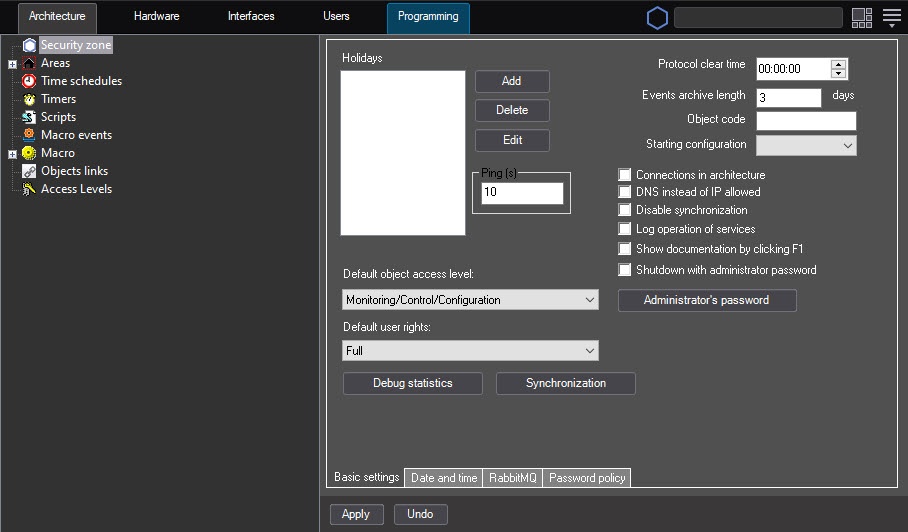
To configure internal synchronization, do the following:
When desynchronization occurs in the objects tree, it is displayed in the following way: |
Configuring internal synchronization is complete.
