tab in the lower-right corner of the tile.
To switch the viewing tile from a different surveillance mode to archive analysis mode, switch to the tab in the lower-right corner of the tile.

The viewing tile will then appear in Live Video mode.
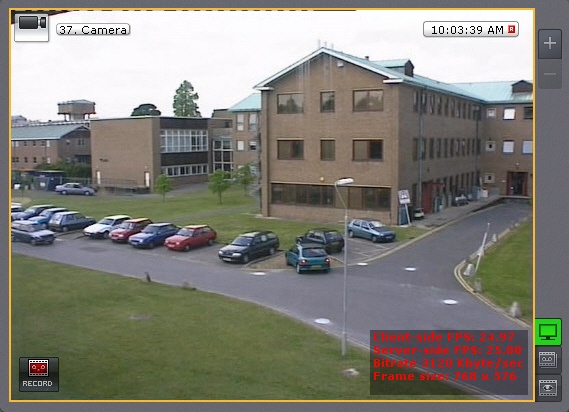
The button turns green when real-time mode is enabled ->  . . |