
Go to documentation repository

Documentation for Axxon PSIM 2.0. Documentation for other versions of Axxon PSIM is available too.
Previous page Next page

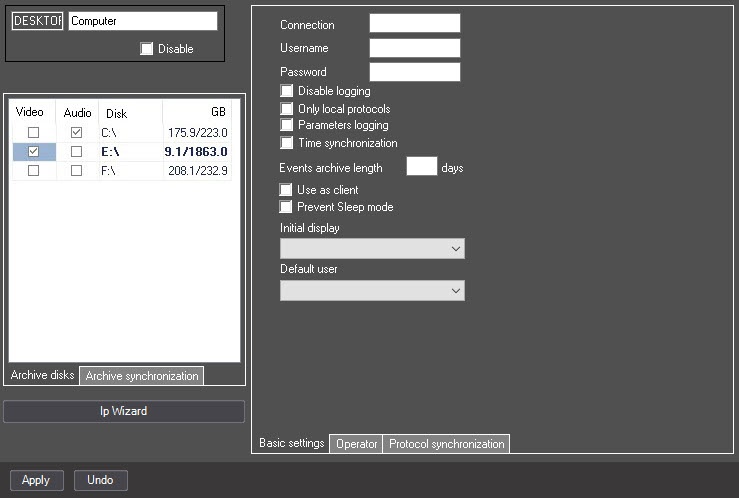
On the settings panel of the Computer object, the current disk to which the archive is being written is highlighted in bold. Information about free disk space is updated during the writing process.
Note
If you don't select any disk for storing video recordings, the videos aren't saved to the archive. In this case, the icon of the missing disk for recording to the archive appears in the lower left corner of the surveillance window. You can hide this icon by creating the ShowDetachedState=0 registry key (see Registry keys reference guide, for more information on working with the registry, see Working with Windows OS registry).
Overview
Content Tools