
Go to documentation repository
Documentation for Axxon One 2.0 version. Documentation for Axxon One 3.0 version is also available.

You can use the Map to select cameras for viewing their video feeds on a temporary layout.
Do the following:
- Press and hold Ctrl, and left-click camera icons.
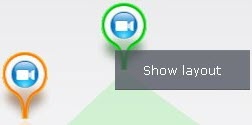
- Click the Show layout button.
The selected cameras' views appear on the temporary layout which is not preserved after you switch to any other layout.
Overview
Content Tools