

Previous page Next page

The interface of the User permissions tab consists of the following elements:
- The Users tab that you can use to manage user accounts:

This tab displays all accounts registered in the system. It consists of two sections:- Users that you can use to manage accounts, assign roles, and add users to domains.
- Cloud permissions that you can use to assign cloud roles.
- The Domains tab that you can use to:
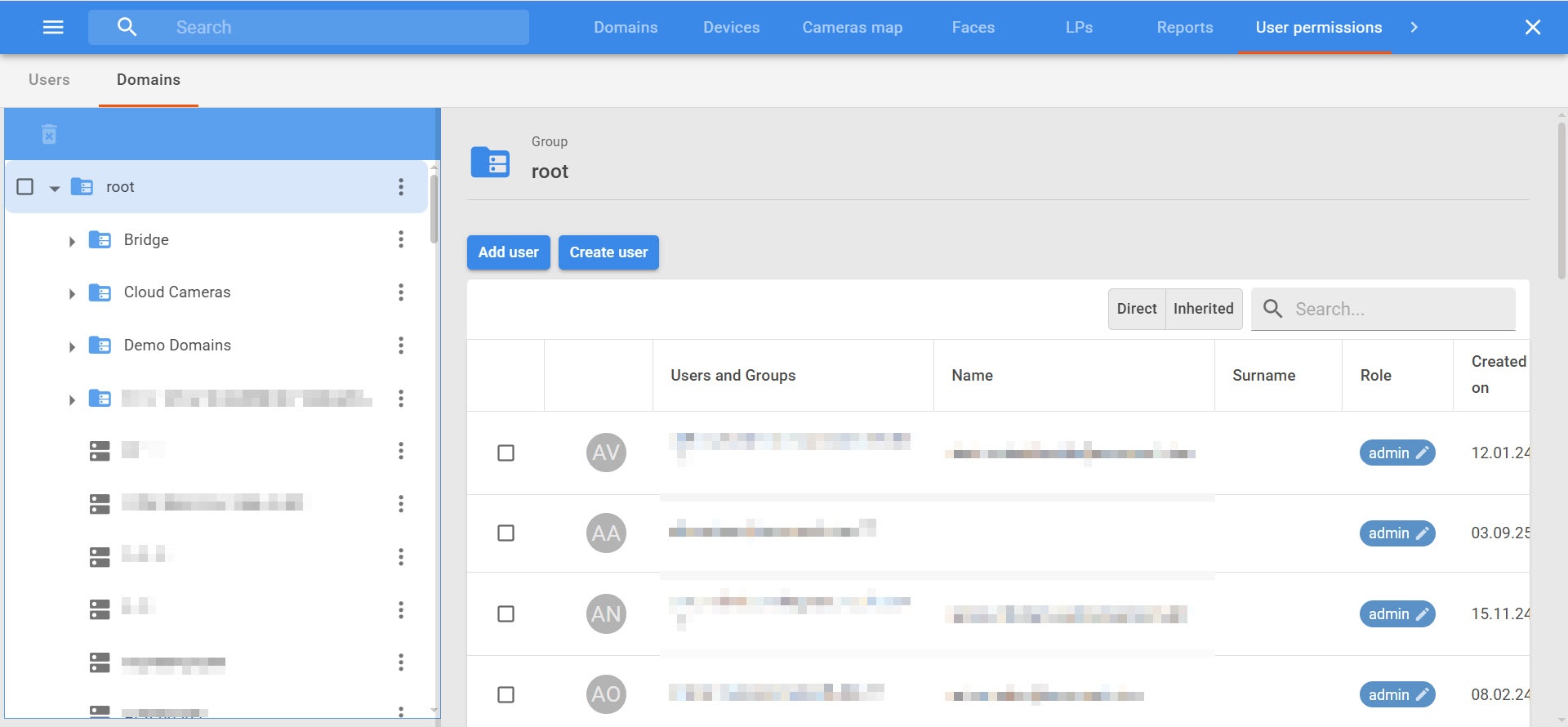
- Manage domains and user access permissions.
- Assign domain roles and separate access permissions.
- Control expiration dates of accounts.
Overview
Content Tools