In the root directory of the distribution package, run the setup.exe executable file.
To continue the installation process, clickNext. Image RemovedImage Added
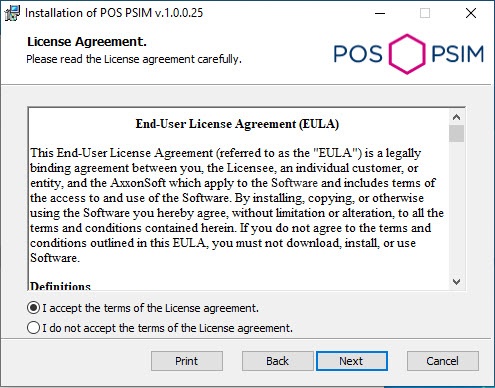
Read the terms of the license agreement carefully. Then set the radio button toI accept the terms of the License agreementand clickNext. Image RemovedImage Added
Click Install to start the installation process. Image RemovedImage Added
As a result, the necessary components of the POS PSIM software package will be copied to hard drive of your computer. Image RemovedImage Added
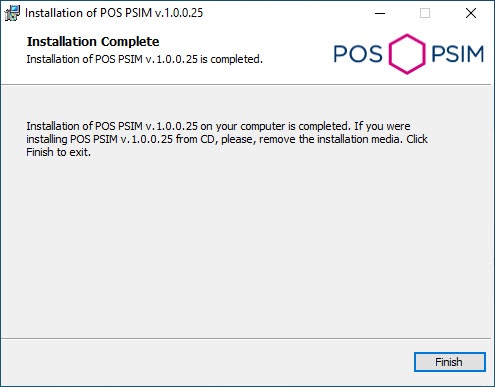
After all software components are successfully copied on your hard drive, themessage about the completion of the installation process will be displayed. ClickFinish. Image RemovedImage Added