The POS PSIM software is installed as a part of the Axxon PSIM software.
| Note |
|---|
|
The POS POS PSIM software should should be installed on both both the Server/Remote administrator workplace and Administrator's workstation and the Client. For details, see Axxon PSIM. Administrator's Guide. |
...
- In the root directory of the distribution package, run the setup.exe executable file.
- To continue the installation process, click Next.

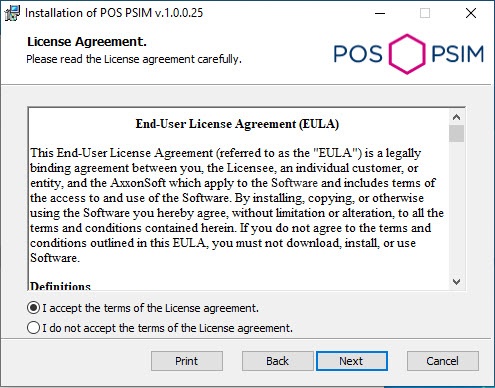
- Read the terms of the license agreement carefully. Then set the radio button to I accept the terms of the License agreement and click Next.
- Select the database MS SQL Server and specify the authorization parameters for connection. For details, see Installation of Axxon PSIM™ software as a Server/Remote administrator workplace. To continue the installation process, click Next.

- Click Install to start the installation process.

- As a result, the necessary the necessary components of the POS PSIM software package will be copied to hard drive of your computer.

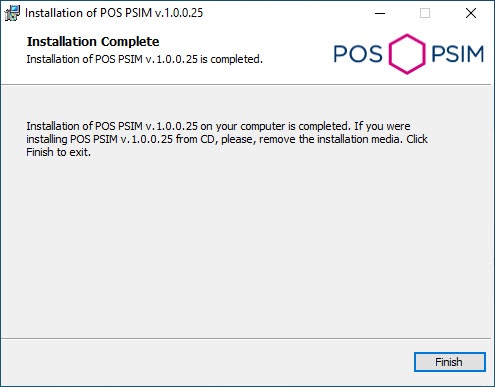
- After all software components are successfully copied on your hard drive, the message about the completion of the installation process will be displayed. Click Finish.
...


