
Go to documentation repository


Page History
Connect the AxxonSoftUSBWatchDog cable to activate the system of The activation of the hardware control of workability requires the additional connection of the AxxonSoft USB WatchDog cable (see Installing the Guide for installing and configuring security system components guide, the Connecting the USB Watchdog hardware performance tester).
To activate the hardware control of workability, do the following:
- Go to the settings panel for
- of the System restart service object.
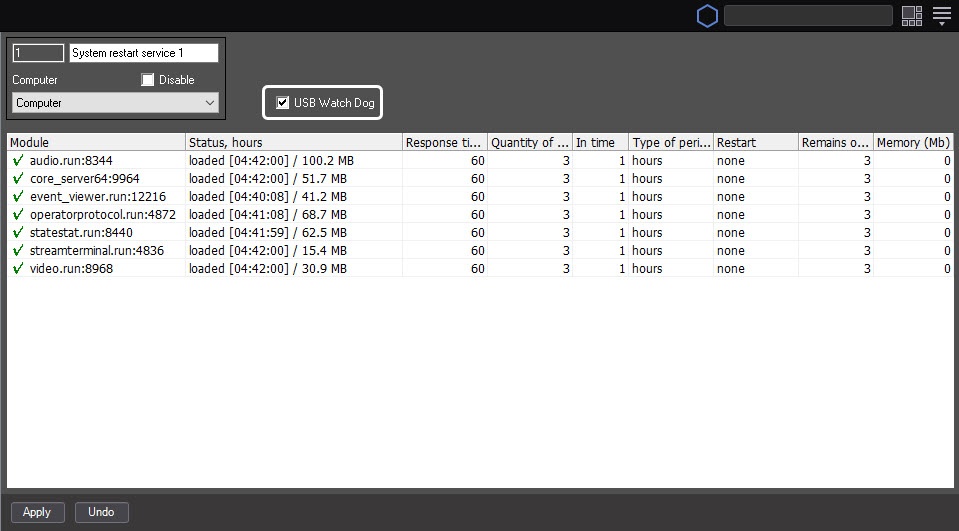
- Set the AxxonSoft USB WatchDog for PSIM_Host.exe checkbox (1)
- the USB Watch Dog checkbox.
- Click the Apply button (2)
- .
Hardware Activating the hardware control of workability is now activatedcomplete.
Overview
Content Tools