
Go to documentation repository
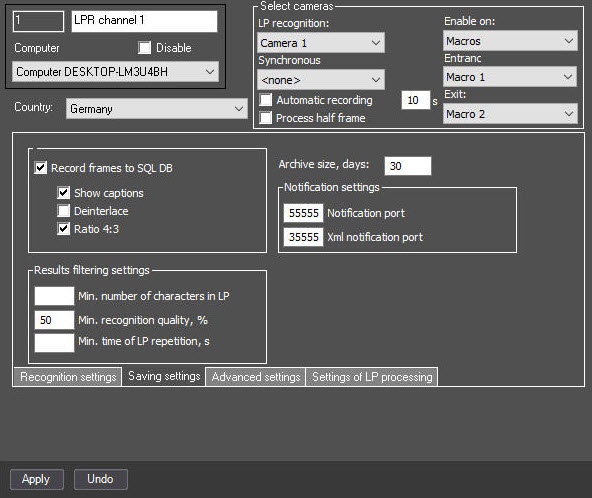
In Auto PSIM, you can set up ports for notification and xml XML notification about license plate recognition of the LPR channel.
...
| Info | ||
|---|---|---|
| ||
To enable the mode of evenly distributing the of even load distribution, specify the IsProcessObject=1 parameter of the HKEY_LOCAL_MACHINE\SOFTWARE\Wow6432Node\AxxonSoft\Axxon PSIM\URMLPR registry keysection (see Registry keys reference guide. For the information on working with the registry, see Working with Windows OS registry), then each recognition channel is started in a separate process. In this case, you must specify the notification port and xml XML notification port for each recognition channel. |
Setting up ports for notification and xml XML notification is complete.

