The POS PSIM software is installed as a part of the Axxon PSIM software.
| Note |
|---|
|
The POS POS PSIM software should should be installed on both both the Server/Remote administrator workplace and Administrator's workstation and the Client. For details, see Axxon PSIM. Administrator's Guide. |
...
- In the root directory of the distribution package, run the setup.exe executable file.
- To continue the installation process, click the Next button.

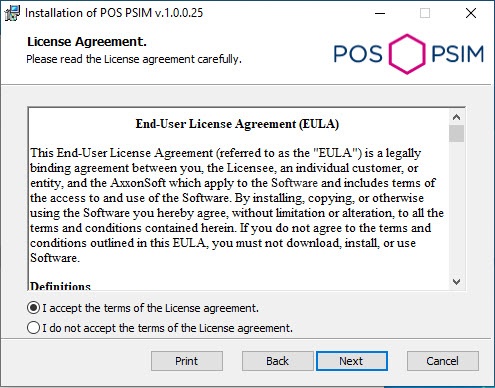
- Read the terms of the license agreement carefully. Then set the radio button to I accept the terms of the License agreement and click the Next button.
- Select the database MS SQL Server and specify the authorization parameters for connection. For details, see Installation of Axxon PSIM™ software PSIM as a Server/Remote administrator workplaceAdministrator's workstation. To continue the installation process, click the Next button.

- Click the Install button to start the installation process.

- As a result, the necessary the necessary components of the POS PSIM software package will be copied to hard drive of your computer.

- After all software components are successfully copied on your hard drive, the message about the completion of the installation process will be displayed. Click the Finish button.
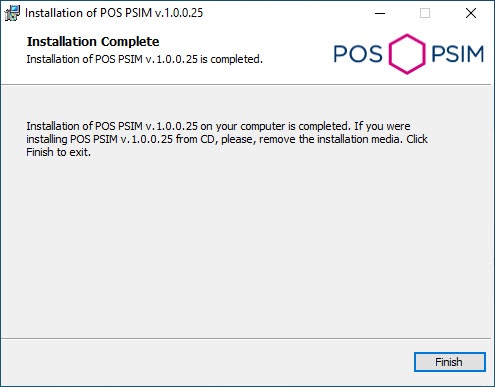
The POS PSIM installation is now complete.


