

Previous page Next page

Note
The list of available permissions expands the more you work with the application. For example, the Location permission will be displayed in the list only after you open the Map tab.
The permissions are configured in the ALLOW AXXONNET TO ACCESS section in the following way:
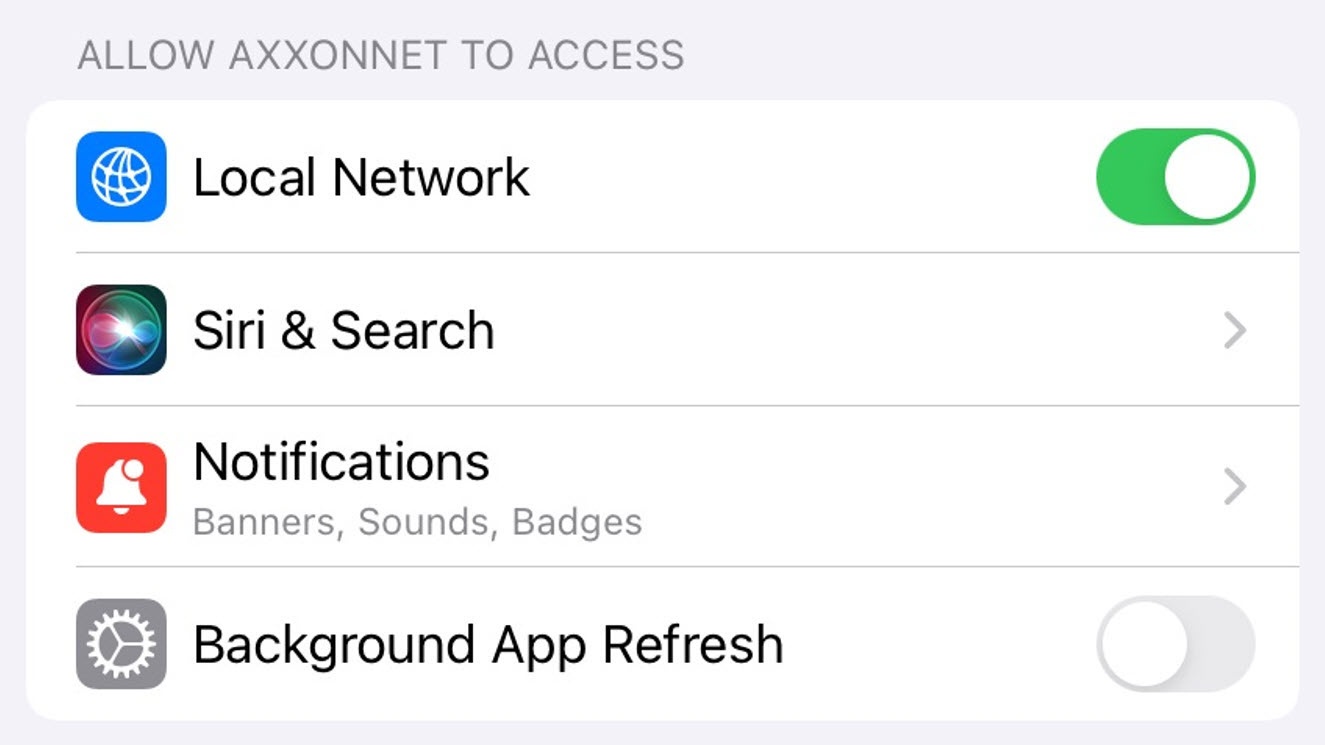
- Select the Location parameter (1) to go to the sub-menu:
- Never - the mobile client will not use the geolocation.
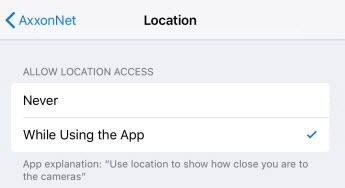
- While Using the app - the mobile client will use the geolocation only when the app is running.
- Never - the mobile client will not use the geolocation.
Enable the Camera (2) parameter if it is necessary to allow access to the camera for QR-code reading capability.
Select Siri & Search (3) parameters to proceed to sub-menu:
Enable Siri & Suggestions parameter (1) if it is necessary to give the Siri-Voice Assistant and search functions the access to the AxxonNet iOS mobile client.
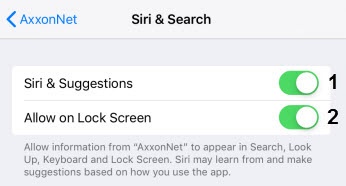
Enable the Allow on Lock Screen (2) parameter if it is necessary to give permission for displaying the info related to the AxxonNet iOS mobile client on the lock screen.
Enable the Background App Refresh (4) parameter if it is necessary to give the permission for app operation in the background (when the app is minimized).
The permissions configuration has been completed.