
Go to documentation repository

Documentation for Axxon Next 4.5.0. Documentation for other versions of Axxon Next is available too.
Previous page Next page

Attention!
Axxon domain name changes in AxxonNet only; the Axxon Next Client will preserve the previous name.
You can change the name of Axxon-domain connected to AxxonNet. Do the following:
- In AxxonNet, on the Dashboard page, click
 next to the required Axxon domain and select Rename.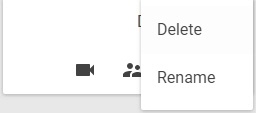
- Enter the new name and click the Apply button.
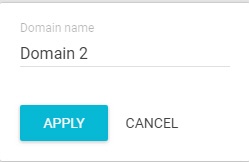
You have renamed the Axxon domain.
Overview
Content Tools