

Previous page Next page

The Axxon SMS-sender mobile app is configured as follows:

- In the IP field (1), specify the IP address of the Intellect Server and click OK.

- In the Host field (2), specify the host name (computer name in Windows OS with Intellect installed) and click OK.
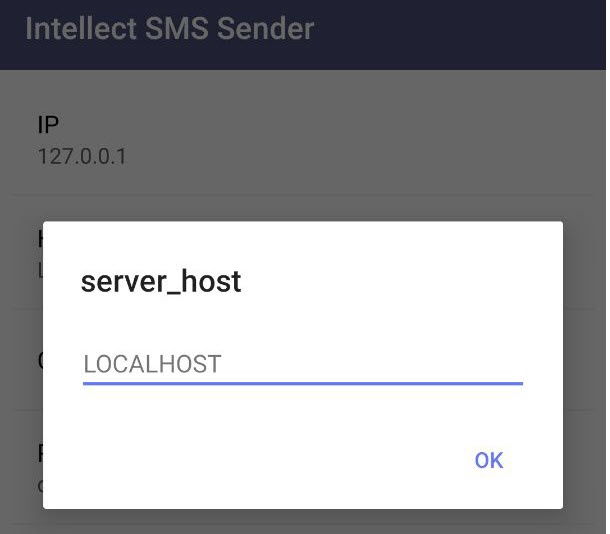
- Enable the Connect on boot option (3) to allow the Axxon SMS-sender app to automatically connect to the Intellect Server when it launches.
Enable the Run parameter (4) to connect to the specified Intellect Server.
As a result, the Android-based device will be available for selection in the Short Message Service settings panel in Intellect.Note
Further configuration of the Short Message Service is performed in accordance with the documentation (see Setting up the Short Message Service (SMS)).
The Axxon SMS-sender mobile app configuration is complete.
Overview
Content Tools