
Go to documentation repository
Documentation for Axxon One 2.0 version. Documentation for Axxon One 3.0 version is also available.

The visual layout of Archive Search mode is divided into the following 4 components:
- Viewing tile (1, see Surveillance window).

- Search control panel (2, see Search in an archive of a single video camera).
- Search results panel (3, see Viewing search results).
- Archive navigation panel (4, see The Archive Navigation Panel).
You can hide search parameters for a portrait-oriented camera. To do so, click the  button.
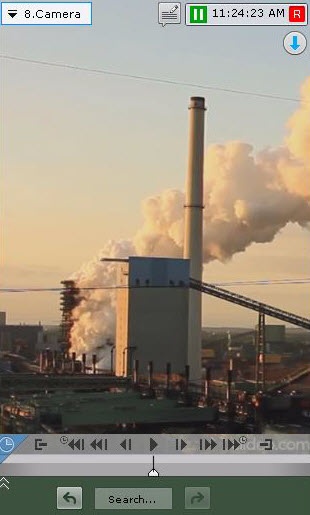
To unhide, press the  button.
Overview
Content Tools