
Go to documentation repository
Documentation for Axxon One 2.0 version. Documentation for Axxon One 3.0 version is also available.

To edit a layout in Web-Client, do as follows:
- Select the layout.
- Click
 and select Edit Layout.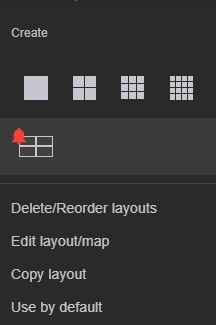
- Make changes.
- Click Save.
To rename a layout, do as follows:
- Double left-click and enter a new name.

- Click Save.
To rearrange the layouts, do as follows:
- Click and select Delete/Reorder Layouts.
- Drag & drop layouts wherever you want.
- Click Save.
To delete a layout, do as follows:
- Click and select Delete/Reorder Layouts.
- Click to the right of the layout
 .
.
Overview
Content Tools