
Go to documentation repository
Documentation for Axxon One 2.0 version. Documentation for Axxon One 3.0 version is also available.

To add a new system variable:
- Go to Control panel → System → Advanced system settings.
- Click the Environment Variables... button.
- Under System variables group, click the New... button.
- Specify the name and value of variable.
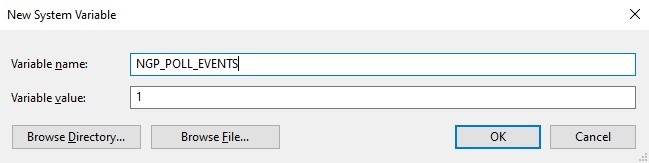
- Click the OK button.
Overview
Content Tools