
Go to documentation repository

Documentation for Monitoring PSIM 2.0 (english)
Previous page Next page

Select the layout that is to be displayed as follows
Right click the object on the control panel, select Video image playback -> Screens in the context menu and select the name of the required layout in the menu.
Note.
If there is no layout in the list, then create one – see Creating, editing and deleting layouts.
- As a result the window to play back live video and archive from cameras added to the layout appears.
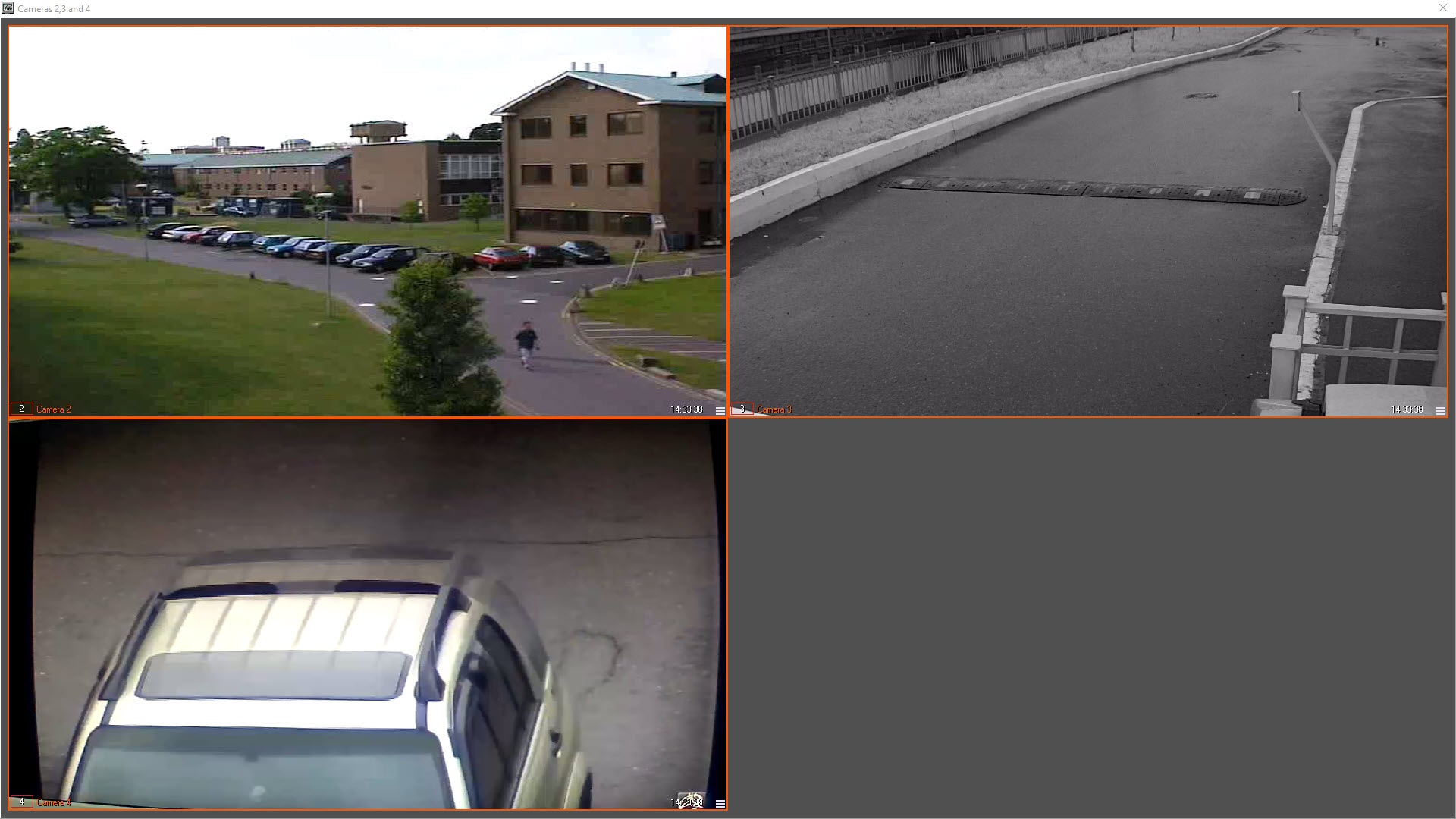
The camera control functions on the layout are the same as those used in the Video surveillance monitor. In particular, it is possible to change the position of the Video surveillance windows on the layout by dragging with the left mouse button. Such changes will be saved after the layout is closed and displayed when it is opened again.
In addition, the function of gradually increasing the Video surveillance window by double clicking with the left mouse button is supported. For more information, see Operator's Guide: Changing the number of Surveillance windows.
Example
For example, there is a layout of 9 cameras (3x3). When you double-left-click the upper left camera, its image will not increase to the full screen, but will take the position of the nearest right and lower camera. If you double-left-click again, the image will be expanded to the entire Video Surveillance Monitor window.
Use the  button in the bottom right corner of the viewing tile to enter the archive mode and the
  button to exit the archive mode.
Archive playback control functions are the same that those used in the Video monitor in Axxon PSIM. Find details on these functions in the document Axxon PSIM Software Package: Operator’s Guide.
Overview
Content Tools